
Authentication & Authorization
Authentication & Authorization
@websideproject/nuxt-auto-api works with any authentication provider: your app tells it who the caller
is, and every generated route enforces the rules you declare per resource.
401 for an anonymous
caller, 403 for a signed-in one. A resource registered without any authorization refuses everything
(the build logs a warning naming it).Looking for a recipe rather than the reference? See the Permissions Cookbook.
How it works
- Your auth layer sets
event.context.user(and optionallyevent.context.permissions) — in a Nitro plugin, or through a context extender such as the better-auth plugin. - Every generated route runs the same pipeline: resolve the caller and tenant → check the operation's permission → validate → apply row visibility → run the handler.
Setup
1. Tell auto-api who the caller is
// server/plugins/auth.ts
export default defineNitroPlugin((nitroApp) => {
  nitroApp.hooks.hook('request', async (event) => {
    const user = await getAuthenticatedUser(event) // your session / JWT / API-key lookup
    if (user) {
      event.context.user = user
      event.context.permissions = user.permissions ?? [] // permission strings, e.g. ['posts:write']
    }
  })
})
event.context.user— the caller (null/ unset when anonymous)event.context.permissions— permission strings; falls back touser.permissions
2. Declare who may do what
// modules/blog/auth.ts
import { and, eq, or } from 'drizzle-orm'
import type { ResourceAuthConfig } from '@websideproject/nuxt-auto-api'

export const articlesAuth: ResourceAuthConfig = {
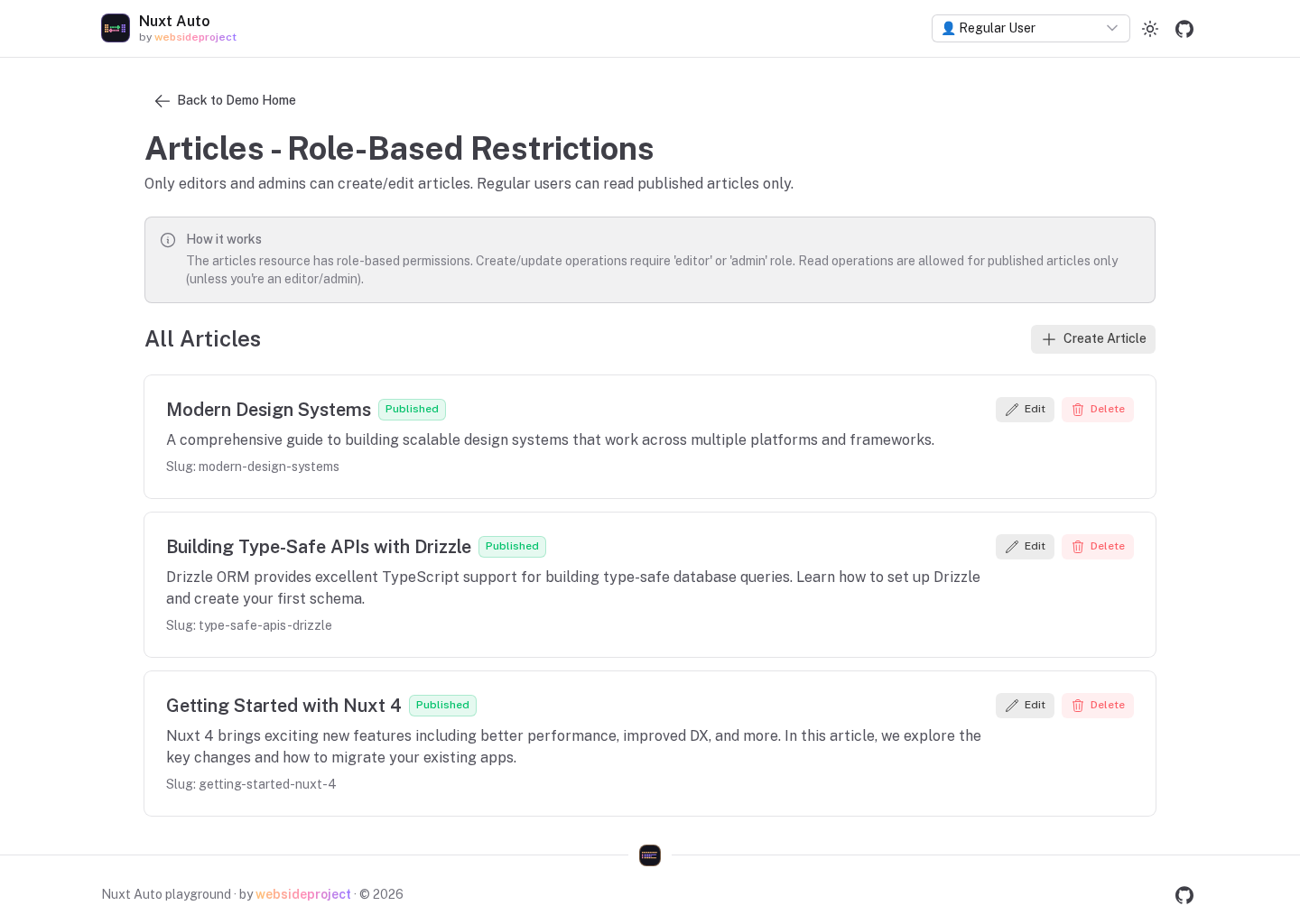
  permissions: {
    read: true, // anyone, including anonymous callers
    create: ['editor', 'admin'], // callers holding ANY of these
    update: ['editor', 'admin'],
    delete: 'admin',
  },

  // Which rows a caller may see — applied to EVERY route (see "Row visibility").
  listFilter: (table, ctx) => {
    if (ctx.permissions.includes('editor')) return undefined // no restriction
    return eq(table.published, true)
  },

  // Per-row check, after the row passed listFilter.
  objectLevel: (article, ctx) =>
    ctx.operation === 'list' || ctx.operation === 'get' || article.authorId === ctx.user?.id,

  fields: {
    internalNotes: { read: 'editor', write: 'editor' },
  },
}
3. Register the resource
// modules/blog/index.ts
import { defineNuxtModule, createResolver } from '@nuxt/kit'
import { createModuleImport } from '@websideproject/nuxt-auto-api'

export default defineNuxtModule({
  setup(_options, nuxt) {
    const resolver = createResolver(import.meta.url)
    nuxt.hook('autoApi:registerSchema', (registry) => {
      registry.register('articles', {
        schema: createModuleImport(resolver.resolve('./schema'), 'articles'),
        authorization: createModuleImport(resolver.resolve('./auth'), 'articlesAuth'),
        hiddenFields: ['passwordHash'], // never returned, never filterable
      })
    })
  },
})
authorization, hooks and validation must be passed through createModuleImport() — functions cannot
be serialized into the generated registry.
Permission values
| Value | Meaning |
|---|---|
| (not declared) | Denied |
true | Everyone, including anonymous callers |
false | No one — not even a * super-admin |
'posts:write' | Callers whose permissions include it |
['editor', 'admin'] | Callers holding any of them |
(ctx) => boolean | A function decides (sync or async) |
{ ... } | A descriptor object, evaluated by a registered permission evaluator (fails closed when none handles it) |
A caller holding the * permission is a super-admin: it passes every value except an explicit false,
including operations a resource never declared.
Which permission gates which route
| Route | Permission |
|---|---|
GET /api/{r}, GET /api/{r}/:id | read |
POST /api/{r} | create |
PATCH /api/{r}/:id | update |
DELETE /api/{r}/:id | delete (and purge with ?force=true on soft-deletable tables) |
POST /api/{r}/:id/restore | restore → softDelete.restore → update |
GET /api/{r}/aggregate, ?aggregate= | aggregate → read |
/api/{r}/bulk (POST / PATCH / DELETE) | create / update / delete, then every item as its single-record route |
/api/{r}/:id/relations/:rel | read (list) or update (writes) on {r}, and read on {rel} |
?include=rel | read on the related resource |
?includeDeleted / ?onlyDeleted | viewDeleted → softDelete.viewDeleted → the restore permission |
Row visibility
Three things decide which rows of a resource a caller may touch, and they apply to every route —
list, get, update, delete, restore, bulk, aggregate, both sides of M2M, and ?include=:
- Tenant scope (when multi-tenancy is on)
listFilter— a SQL condition- Soft delete — trashed rows are invisible unless the caller may view trash
A row outside them is a 404 on GET/PATCH/DELETE /:id, exactly like a row that does not exist — the API
does not disclose that it exists.
objectLevel then runs per row on what is left: a visible row that fails it is a 403, and in lists it
is dropped.
listFilter
listFilter: (table, ctx) => {
  if (ctx.permissions.includes('admin')) return undefined // no restriction
  return or(eq(table.published, true), eq(table.authorId, ctx.user?.id))
}
- Runs in SQL, so pagination totals are correct.
- Despite the name it scopes every access: a row a caller cannot list is a row they cannot fetch, change or delete by id either.
ctx.operationtells you which route is asking if a rule really must differ.
objectLevel
objectLevel: async (record, ctx) => {
  if (ctx.operation === 'list' || ctx.operation === 'get') return true
  return record.authorId === ctx.user?.id // only the author may change or delete
}
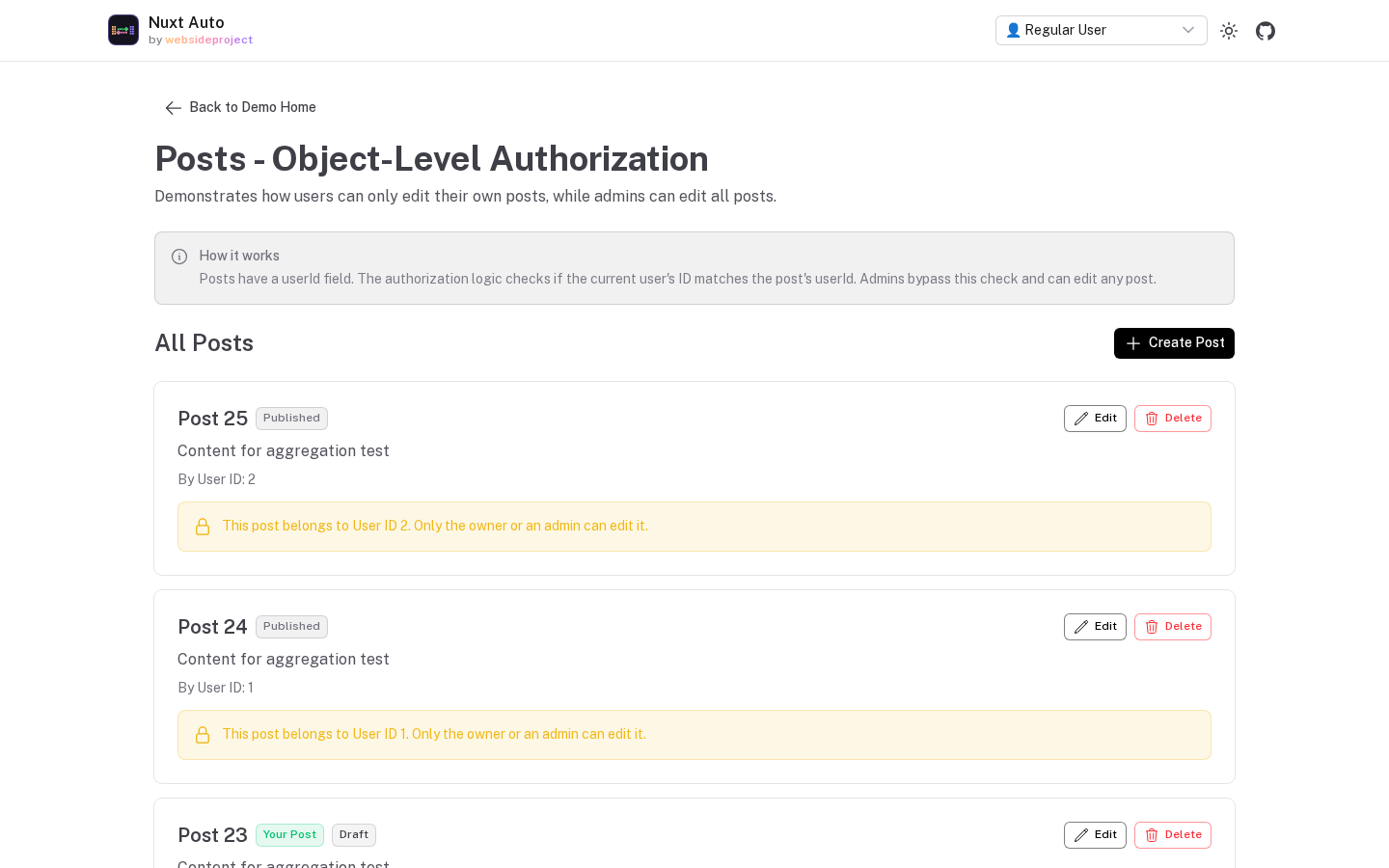
Use it for per-row rules SQL cannot express. For list filtering prefer listFilter — objectLevel in a list
is a post-filter, so it costs extra queries and the list response omits total (it reports hasMore instead).
Field-level authorization
fields: {
  salary: {
    read: ['admin', 'hr'], // hidden from everyone else
    write: 'admin', // anyone else trying to set it gets a 403
  },
}
read filters; write refuses. They are asymmetric on purpose:
- a field the caller may not read is removed from responses (list, get, create, update, bulk, and when the
resource is reached through
?include=), and it cannot be used infilter,sort,groupBy, aggregates or include field selection — those are 400s with the same "Unknown field" message as a column that does not exist. - a field the caller may not write makes the request fail with 403, naming the fields; nothing is written.
Good to know:
- The write gate reads the request body, before hooks.
beforeCreate/beforeUpdatehooks may set any field on the server's behalf. - A rule with only
readsays nothing about writing, and vice versa. - ⚠ Field rules ignore the
*wildcard:read: falsehides a column even from a super-admin.
fields[x].canWrite from /permissions and renders non-writable columns read-only.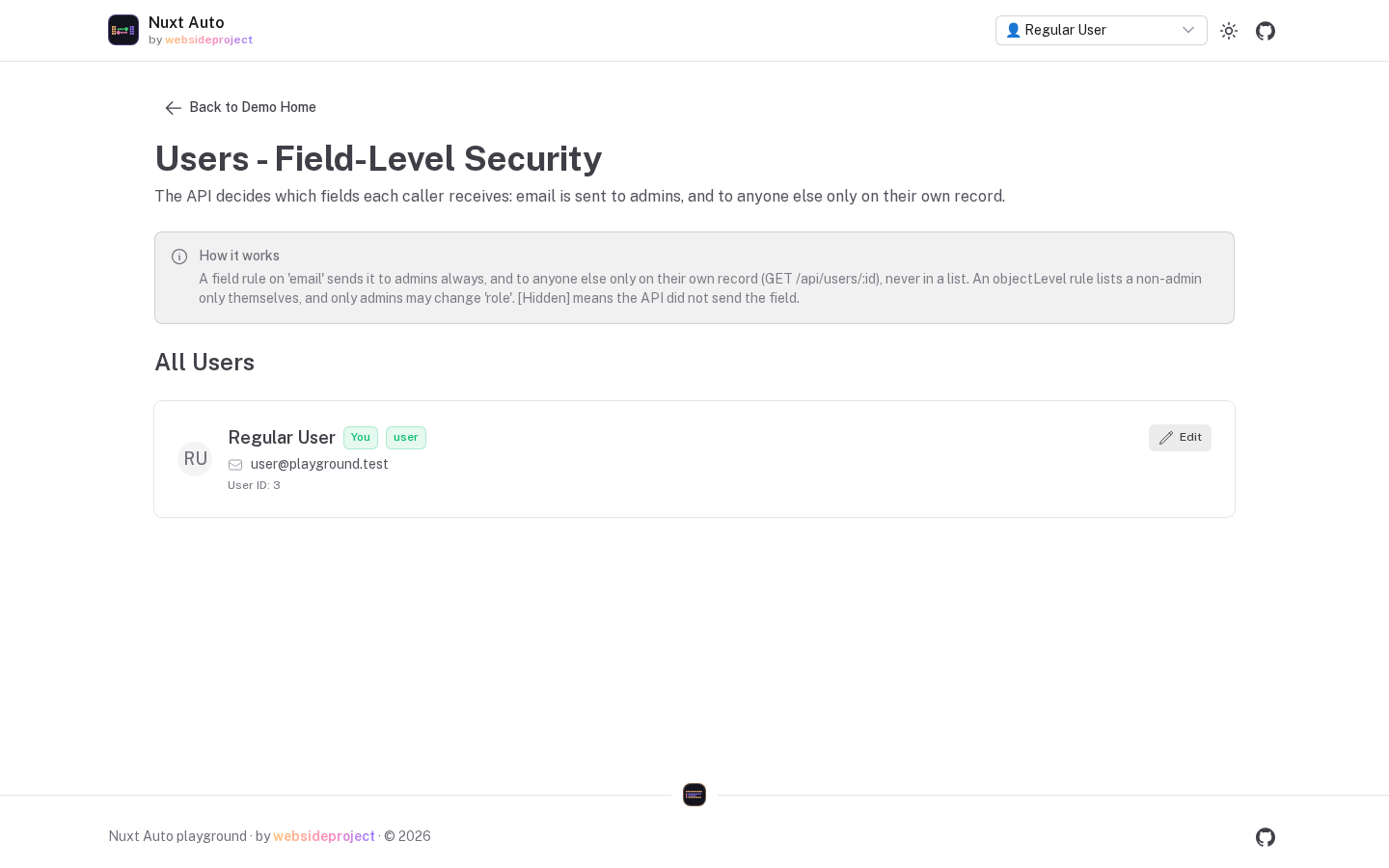
Hidden fields
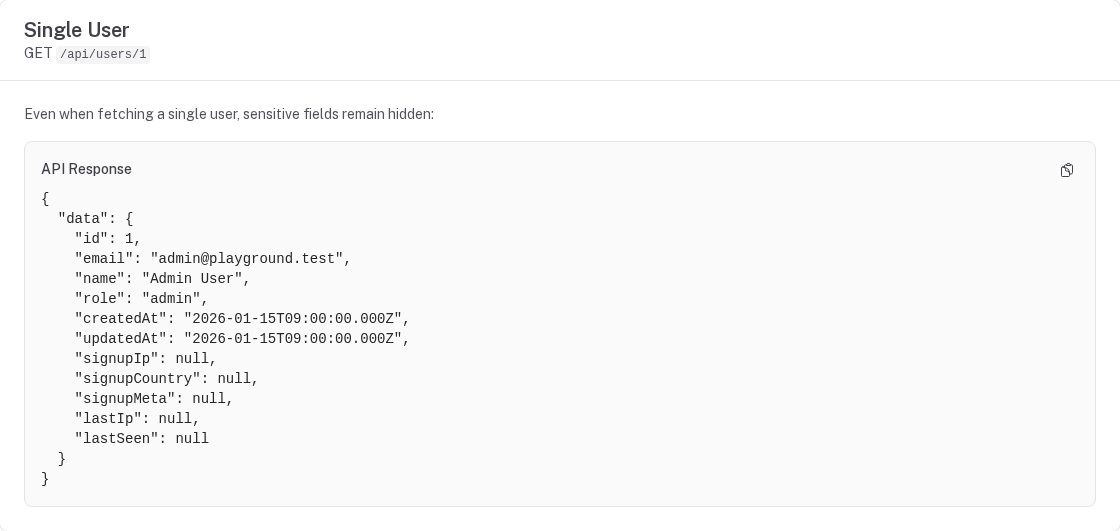
hiddenFields (on the registration, or autoApi.hiddenFields in nuxt.config) are never returned — not even
nested inside an included relation — and never usable in queries. Use them for secrets that no caller should
ever see (password hashes, tokens).
Server-owned columns
Request bodies can never set these — they are dropped (left out of the generated schemas, and stripped again after a custom schema) before hooks run:
| Column | Create | Update |
|---|---|---|
| Primary key | dropped when the database generates it (auto-increment, serial, identity); a text/UUID key is allowed | dropped |
| Tenant column (scoped resources) | stamped by the server | dropped |
Soft-delete marker + deletedBy / deletionId / deletedReason | dropped | dropped |
createdBy / updatedBy | dropped | dropped |
createdAt | allowed | dropped |
Registration protectedFields: [...] | dropped | dropped |
Clients may keep sending whole rows back on PATCH — the protected columns are simply ignored. Hooks can still write them.
Querying is restricted to readable columns
filter, sort, cursor pagination, groupBy, aggregate fields, and include filters / field selection may
only name columns the caller can read. Unknown fields and unknown filter operators are 400s — a silently
dropped condition would widen the result.
Soft-delete permissions
export const articlesAuth: ResourceAuthConfig = {
  permissions: {
    update: 'editor',
    restore: 'editor', // POST /:id/restore  (+ batch restore)
    purge: 'admin', // DELETE /:id?force=true  (+ batch purge)
    viewDeleted: 'editor', // ?includeDeleted / ?onlyDeleted
  },
  // Alternative home (permissions.* wins when both are set):
  softDelete: { cascade: 'auto', retentionDays: 30 },
}
Fallbacks when a key is not declared:
restore→softDelete.restore→updatepurge→softDelete.purge→deleteviewDeleted→softDelete.viewDeleted→ the restore permission
Overriding permissions from nuxt.config
An app can override a module's permissions as data — booleans, permission strings, arrays or descriptor
objects (functions cannot travel through runtimeConfig):
export default defineNuxtConfig({
  autoApi: {
    authorization: {
      articles: { permissions: { delete: false, create: 'articles:write' } },
    },
  },
})
objectLevel and listFilter always come from the module's own auth file.
The permissions endpoints
GET /api/{resource}/permissions—canCreate,canRead,canUpdate,canDelete,canRestore,canPurge,canViewDeletedand per-fieldcanRead/canWritefor the callerGET /api/{resource}/permissions?ids=1,2,3— addsrecords: per row,canRead/canUpdate/canDelete, combining the resource permission, the row's visibility (tenant,listFilter) andobjectLevelfor that operation. Invisible and missing rows both answerfalse.useRecordPermissions(resource, ids)wraps it.GET /api/permissions— the same as the first, for every resource
They are evaluated by the same code that enforces the rules, so the UI never promises an action the API refuses.
HandlerContext
Every permission function, listFilter, objectLevel and hook receives the request context:
interface HandlerContext {
  user: AuthUser | null
  permissions: string[]
  authMethod?: string // set by auth plugins, e.g. 'session' | 'api-token'

  event: H3Event
  operation: 'list' | 'get' | 'create' | 'update' | 'delete' | 'aggregate' | 'm2m'
  resource: string
  params: Record<string, string>
  query: Record<string, any>
  validated: { body?: any, query?: any }

  db: any
  schema: Record<string, any> // every registered table
  registry?: Record<string, ResourceRegistration>
  runtimeConfig?: any // read config here, not via useRuntimeConfig()

  tenant?: { id: string | number, field: string, canAccessAllTenants: boolean }
  requestMeta?: Record<string, any> // set by the request-metadata plugin
}
Testing authorization
The generated routes can be exercised end to end with @nuxt/test-utils/e2e — the package's own
test/security.test.ts is a complete example: a fixture app with several resources and identities, and one
assertion per rule (deny by default, tenant isolation, hidden-field probes, protected columns, restore,
bulk and M2M).
Auth functions are plain functions, so they can also be unit-tested directly:
import { articlesAuth } from '../modules/blog/auth'
import { articles } from '../modules/blog/schema'

it('only editors see unpublished articles', () => {
  expect(articlesAuth.listFilter!(articles, { permissions: ['editor'] } as any)).toBeUndefined()
  expect(articlesAuth.listFilter!(articles, { permissions: [] } as any)).toBeDefined()
})
See also
- Permissions Cookbook — recipes: RBAC, org roles, ownership, field rules, policies
- Billing & Plan Gating — features and quotas from a subscription
- Configuration Reference — every authorization key
- Better-Auth Integration
- Multi-Tenancy
- Custom Endpoints — applying the same rules in your own routes
Soft Deletes
Soft deletes mark records as deleted (a timestamp) instead of removing them, with restore, purge, cascade-to-children, and batch (cascade-group) restore/purge.
Better-Auth Integration
A complete setup with better-auth: email/password and OAuth sign-in, organizations as tenants, platform roles and per-organization roles driving auto-api permissions, and a Nuxt UI front end.