
Getting Started
Getting Started
Nuxt Auto Admin automatically generates a beautiful, type-safe admin panel from your Auto API resources with built-in CRUD operations, permissions, and customization options.
Features
- Automatic admin UI from auto-api resources
- CRUD operations (Create, Read, Update, Delete)
- Permission-based access control with flexible UI behavior
- Customizable forms with multiple widget types
- M2M relationship management with junction tables
- Custom pages for additional admin functionality
- Responsive design with Nuxt UI components
- Dark mode support out of the box
- Type-safe with full TypeScript support
Prerequisites
Before installing @websideproject/nuxt-auto-admin, you must have:
- Nuxt 4 project
- @websideproject/nuxt-auto-api installed and configured
- @nuxt/ui v4 and Tailwind CSS v4 installed, with
@import "tailwindcss"; @import "@nuxt/ui";in your app's stylesheet (see Installation)
Installation
npm install @websideproject/nuxt-auto-admin
Basic Setup
1. Add the module to nuxt.config.ts
export default defineNuxtConfig({
  modules: [
    '@nuxt/ui',
    '@websideproject/nuxt-auto-api',      // Must be before @websideproject/nuxt-auto-admin
    '@websideproject/nuxt-auto-admin',
  ],

  autoAdmin: {
    prefix: '/admin',
    branding: {
      title: 'My Admin Panel',
      logo: '/logo.svg',
    },
  },
})
Important: @websideproject/nuxt-auto-api must be loaded before @websideproject/nuxt-auto-admin so resources can be registered.
2. Ensure resources are registered
Resources must be registered via @websideproject/nuxt-auto-api for the admin panel to discover them:
// modules/base/index.ts
import { defineNuxtModule, createResolver } from '@nuxt/kit'
import { createModuleImport } from '@websideproject/nuxt-auto-api'

export default defineNuxtModule({
  meta: {
    name: 'base',
  },
  setup(_options, nuxt) {
    const resolver = createResolver(import.meta.url)

    nuxt.hook('autoApi:registerSchema', (registry) => {
      registry.register('users', {
        schema: createModuleImport(resolver.resolve('../../server/database/schema'), 'users'),
        authorization: createModuleImport(resolver.resolve('./auth'), 'usersAuth'),
      })

      registry.register('posts', {
        schema: createModuleImport(resolver.resolve('../../server/database/schema'), 'posts'),
        authorization: createModuleImport(resolver.resolve('./auth'), 'postsAuth'),
      })
    })
  },
})
The admin shows each caller exactly what the API allows them. A resource without authorization refuses
every request (the API is deny-by-default), so its admin pages show "permission denied" — see
Authentication & Authorization.
3. Render layouts in app.vue
The admin pages use the admin layout (sidebar, header), which Nuxt only renders inside <NuxtLayout>:
<!-- app/app.vue -->
<template>
  <UApp>
    <NuxtLayout>
      <NuxtPage />
    </NuxtLayout>
  </UApp>
</template>
Admin routes render on the client (ssr: false); your own routeRules for them take precedence. To decide who
may open the admin at all, see Access Control.
4. Access your admin panel
Start your development server and navigate to:
http://localhost:3000/admin
You'll see:
- Dashboard - Landing page
- Sidebar - Auto-generated from your resources
- Resource pages - List, detail, create, and edit views
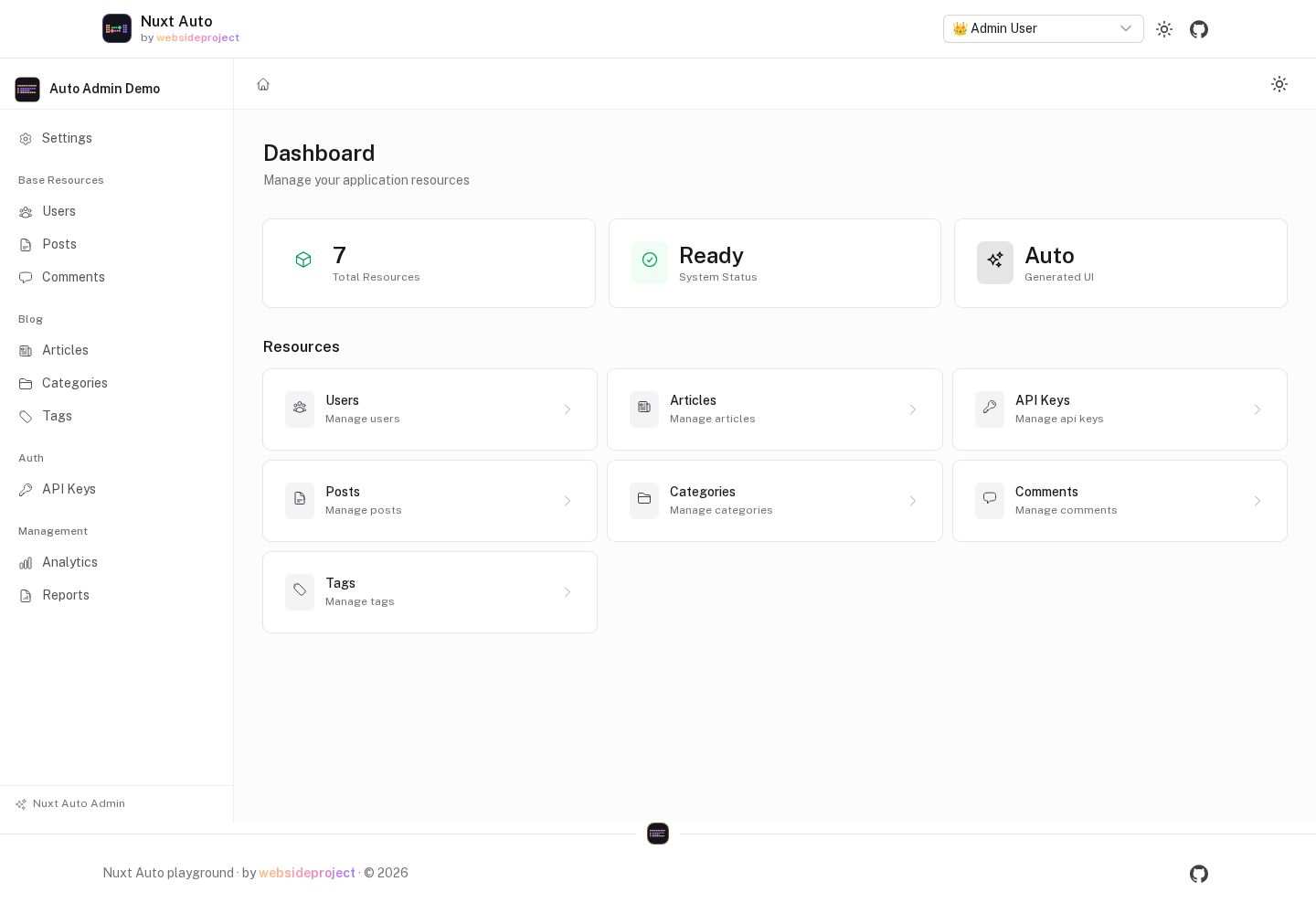
The screenshots on this page are of the repository's playground app (apps/playground), taken by its screenshot
suite, so they show the current version.
What Gets Generated
For each registered resource, the admin panel automatically creates:
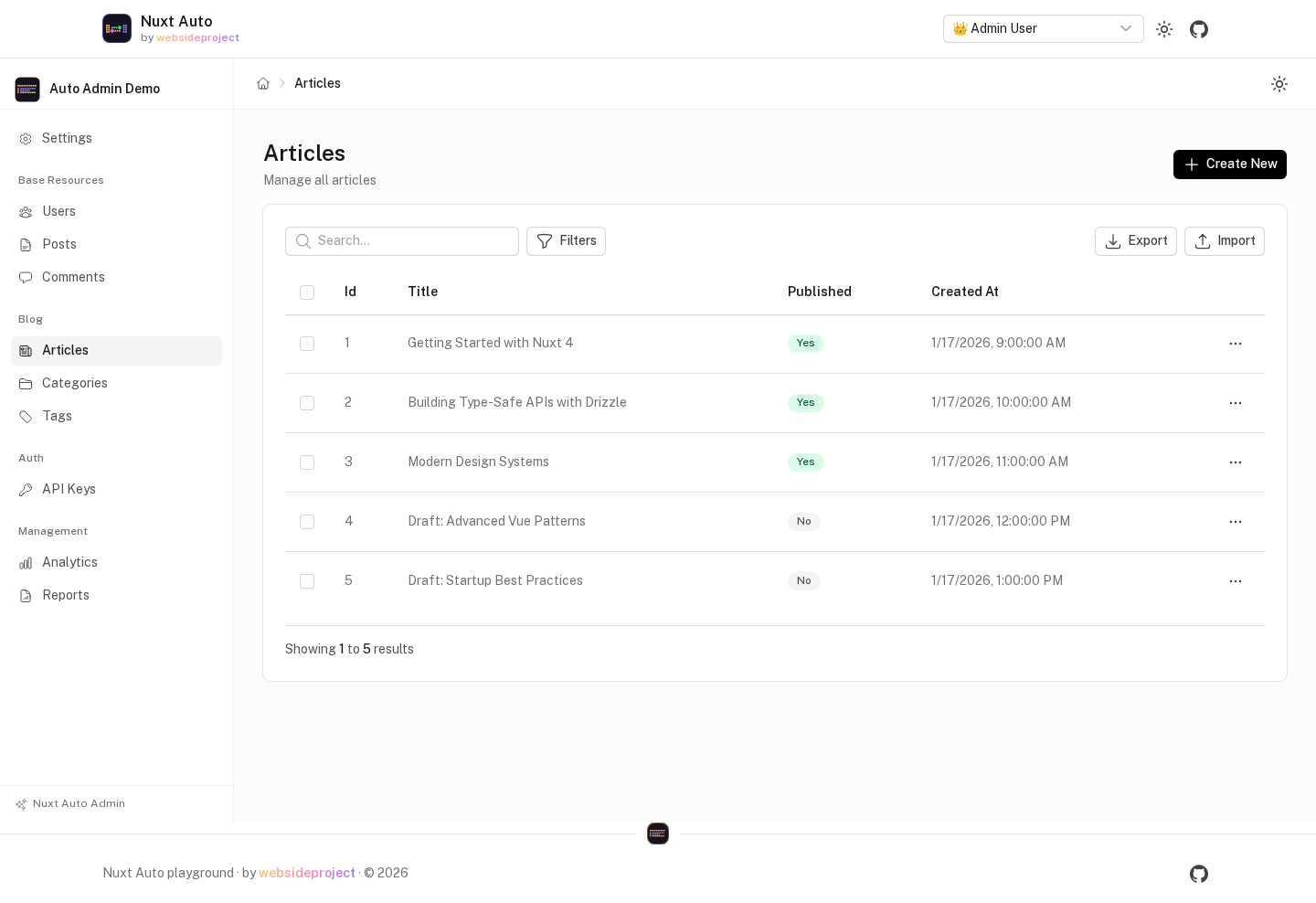
List Page (/admin/[resource])
- Paginated table with all records
- View, Edit, Delete actions
- Create New button
- Auto-formatted columns based on field types
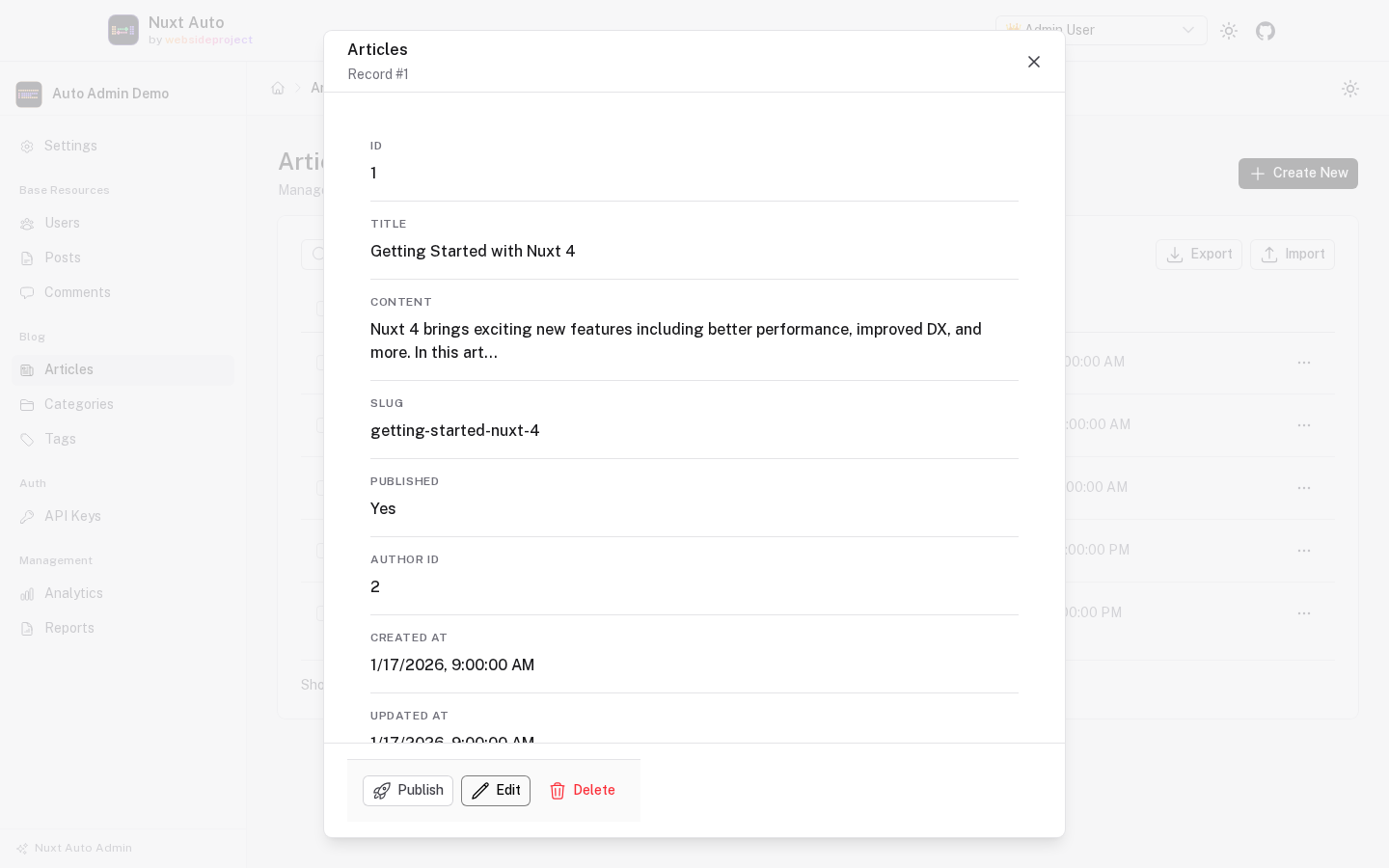
View opens the record in a dialog (ui.viewMode: 'modal', the default; 'page' opens the detail page instead):
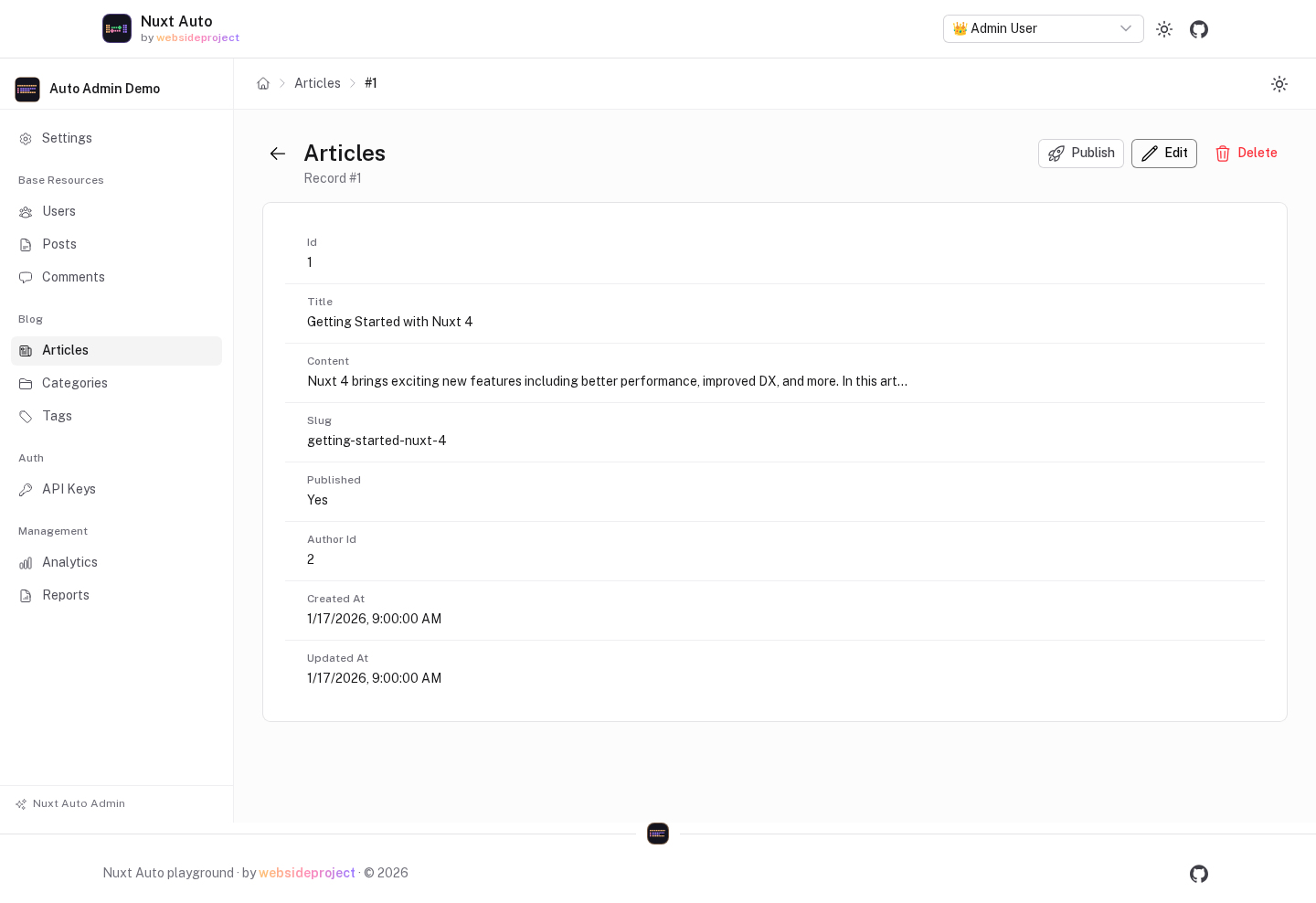
Detail Page (/admin/[resource]/[id])
- All fields displayed in a clean layout
- Edit and Delete buttons
- Back to list navigation
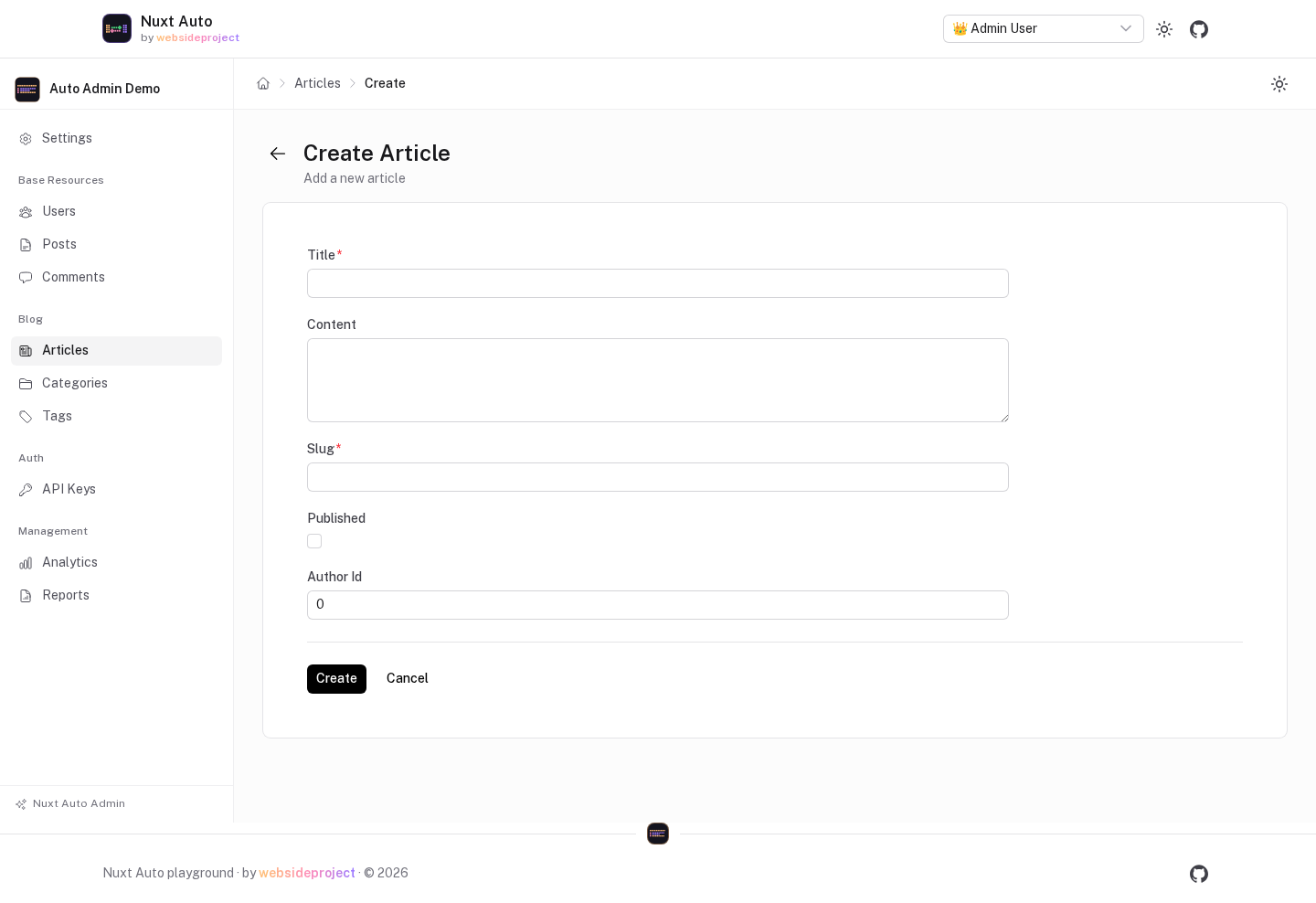
Create Page (/admin/[resource]/new)
- Auto-generated form from schema
- Required fields marked
- Create and Cancel buttons
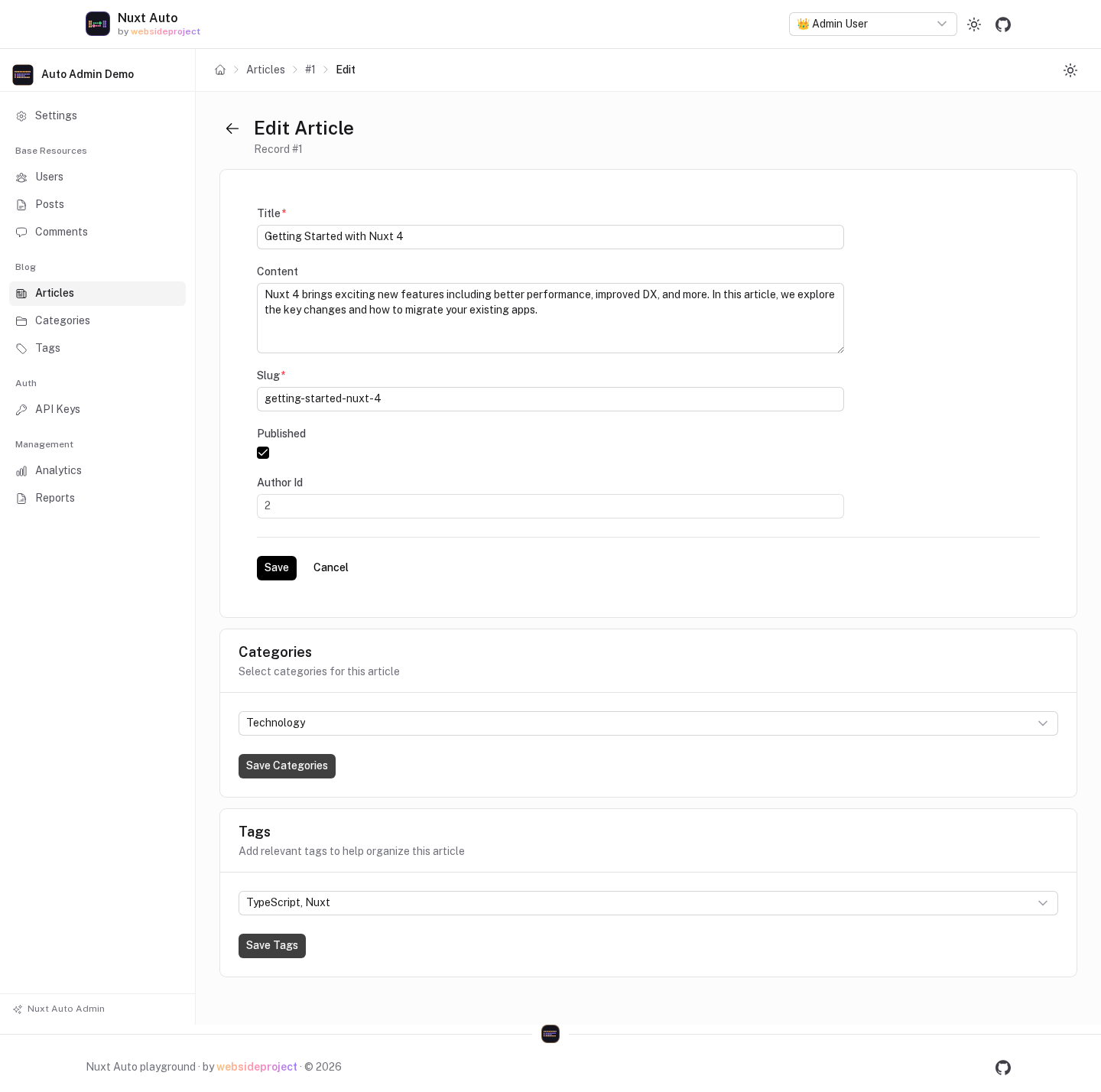
Edit Page (/admin/[resource]/[id]/edit)
- Pre-filled form with existing data
- Field validation
- Cancel and Save buttons
- M2M relationship cards (if configured)
Resource Configuration
You can customize how resources appear in the admin panel:
export default defineNuxtConfig({
  autoAdmin: {
    resources: {
      users: {
        displayName: 'Users',
        icon: 'i-heroicons-user-group',
        group: 'User Management',
        order: 1,
        listFields: ['id', 'name', 'email', 'role', 'createdAt'],
      },
      posts: {
        displayName: 'Blog Posts',
        icon: 'i-heroicons-document-text',
        group: 'Content',
        order: 2,
      },
    },
  },
})
Next Steps
- Configuration & Theming - Customize the look and behavior
- Resource Configuration - Control how resources are displayed
- Form Fields & Widgets - Customize forms
- Permissions - Set up access control
- Custom Pages - Add custom functionality
Quick Example
Here's a complete minimal example:
// nuxt.config.ts
export default defineNuxtConfig({
  modules: [
    '@nuxt/ui',
    '@websideproject/nuxt-auto-api',
    '@websideproject/nuxt-auto-admin',
  ],

  autoApi: {
    prefix: '/api',
  },

  autoAdmin: {
    prefix: '/admin',
    branding: {
      title: 'Blog Admin',
      logo: '/admin-logo.svg',
    },
    resources: {
      posts: {
        displayName: 'Posts',
        icon: 'i-heroicons-document-text',
        listFields: ['id', 'title', 'userId', 'published', 'createdAt'], // columns of the table
      },
      users: {
        displayName: 'Users',
        icon: 'i-heroicons-user-group',
      },
    },
  },
})
That's it! Your admin panel is ready to use.
Bulk Operations
Nuxt Auto API provides atomic bulk operations for creating, updating, and deleting multiple records in a single request.
Configuration & Theming
Customize the appearance and behavior of your admin panel.