
Yjs Sync Admin Features
The Yjs sync module includes a set of admin features to manage your synced documents and monitor their status.
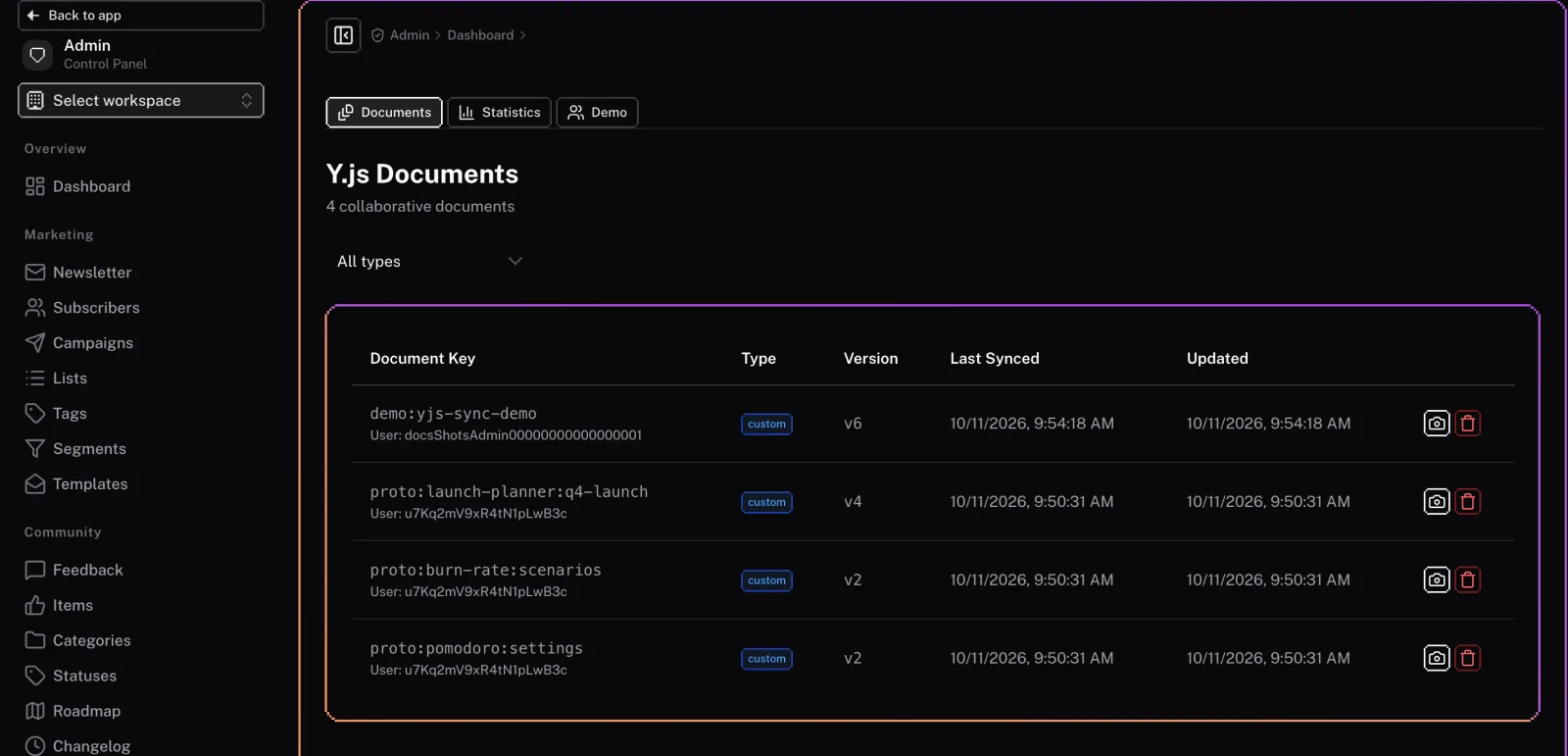
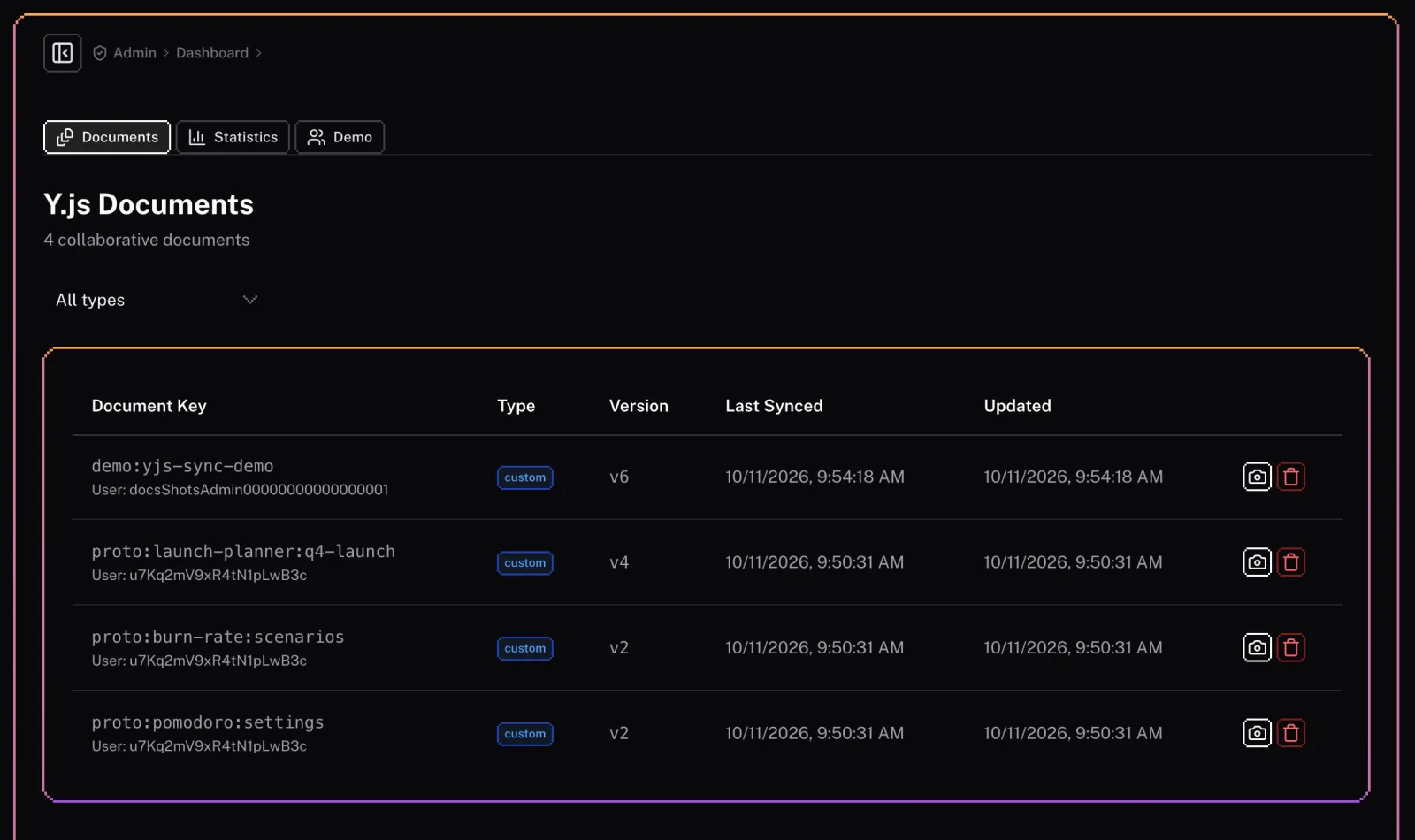
Documents
The admin panel includes a list of all the documents that are being synced. You can:
- View all documents: See a list of all your synced documents.
- Inspect document data: View the raw data of a document.
- Delete documents: Remove documents that are no longer needed.
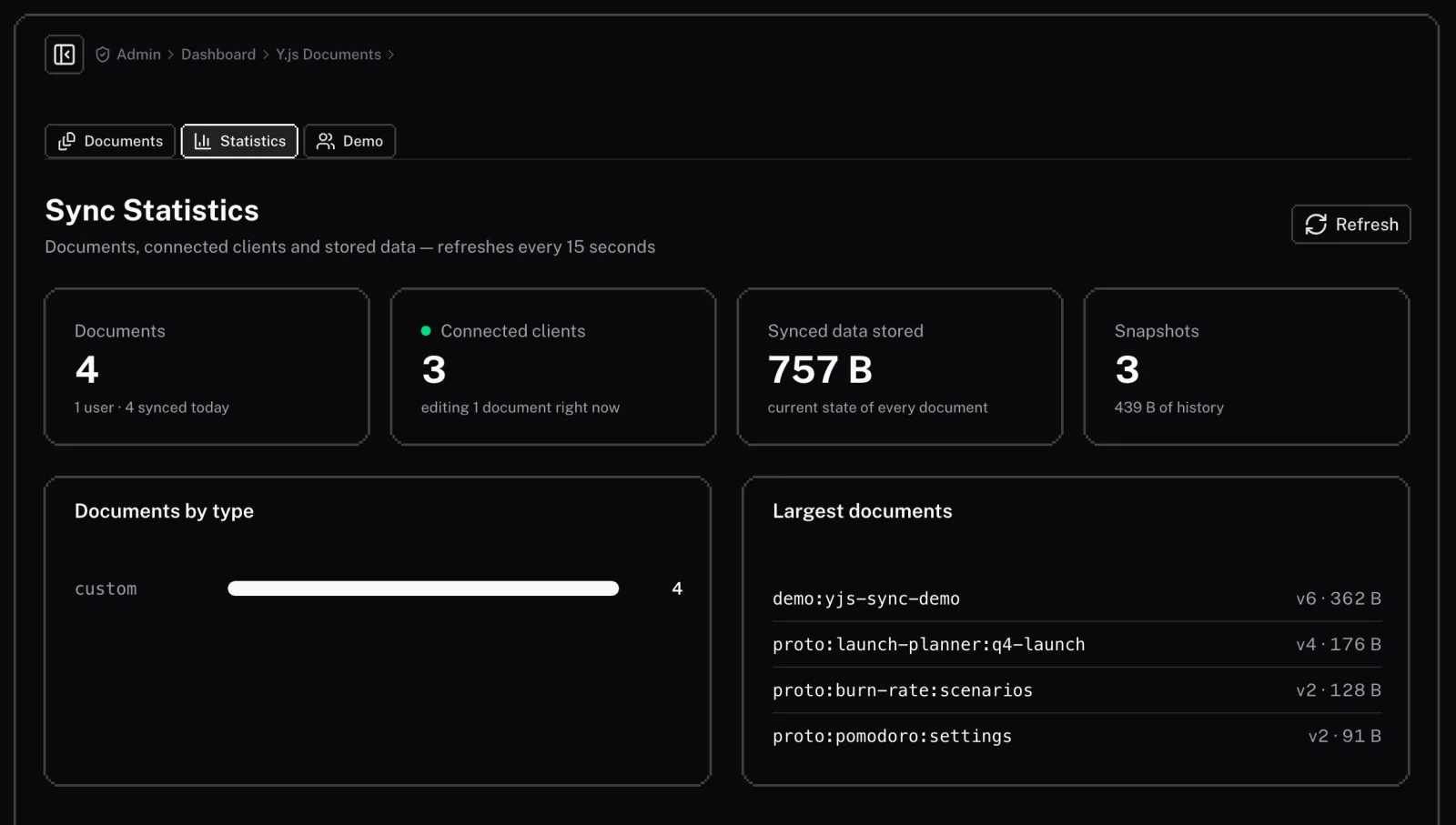
Statistics
The statistics section provides insights into the usage of the Yjs sync feature. You can view:
- The number of documents: See how many documents are being synced.
- The number of connected clients: See how many clients are currently connected to the sync server.
- The amount of synced data: See how much document state and snapshot history the server stores.
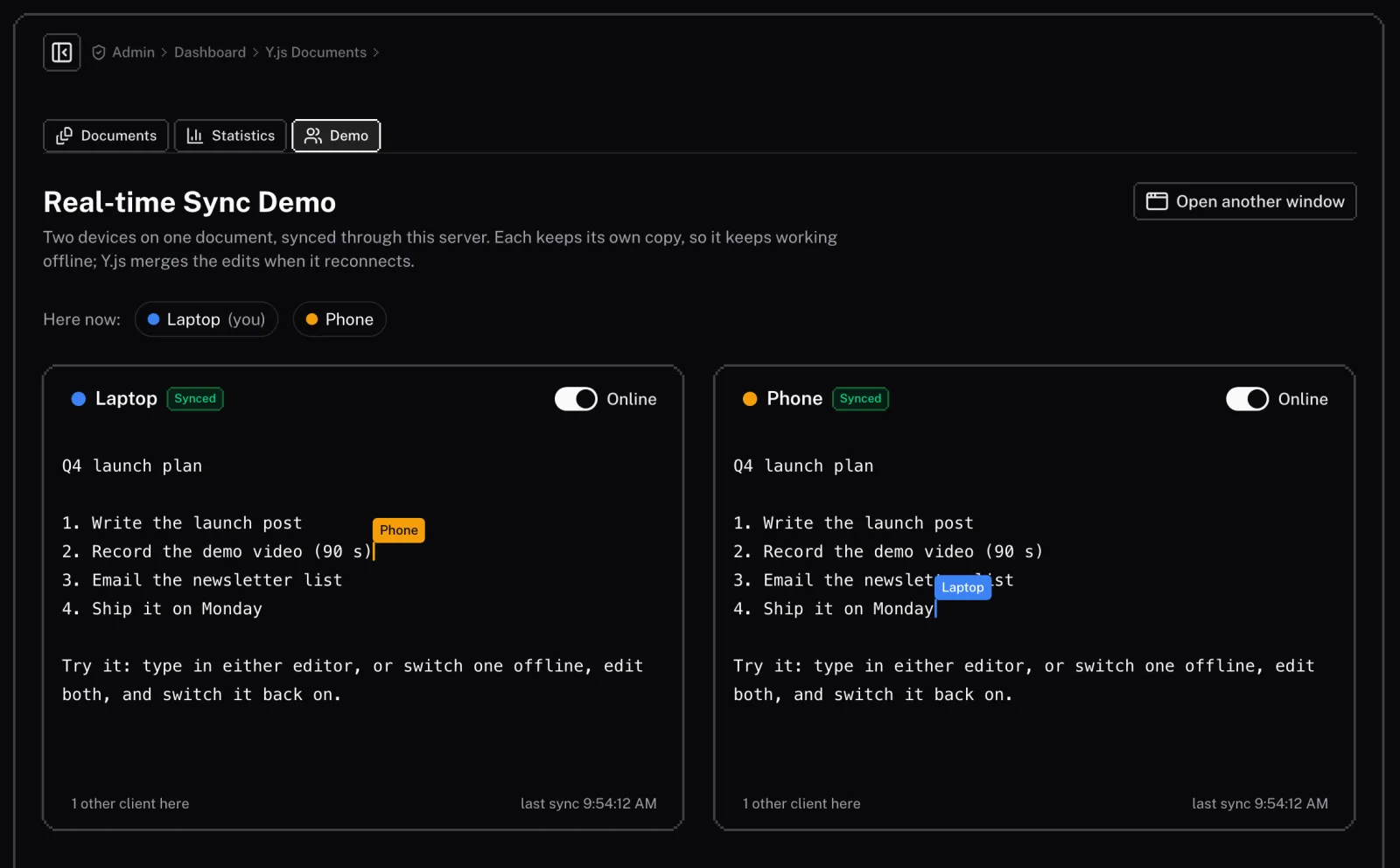
Demo
The admin panel includes a demo page to showcase the real-time collaboration features of Yjs. You can use this page to test the sync functionality and see how it works in practice.
Details
Our Collaboration feature provides a seamless experience for your users, handling the complex logic of real-time data synchronization.
Technical
This document provides technical details about the Real-Time Sync feature, primarily for developers or for advanced configuration after deployment.