
Components & overriding
Components & overriding
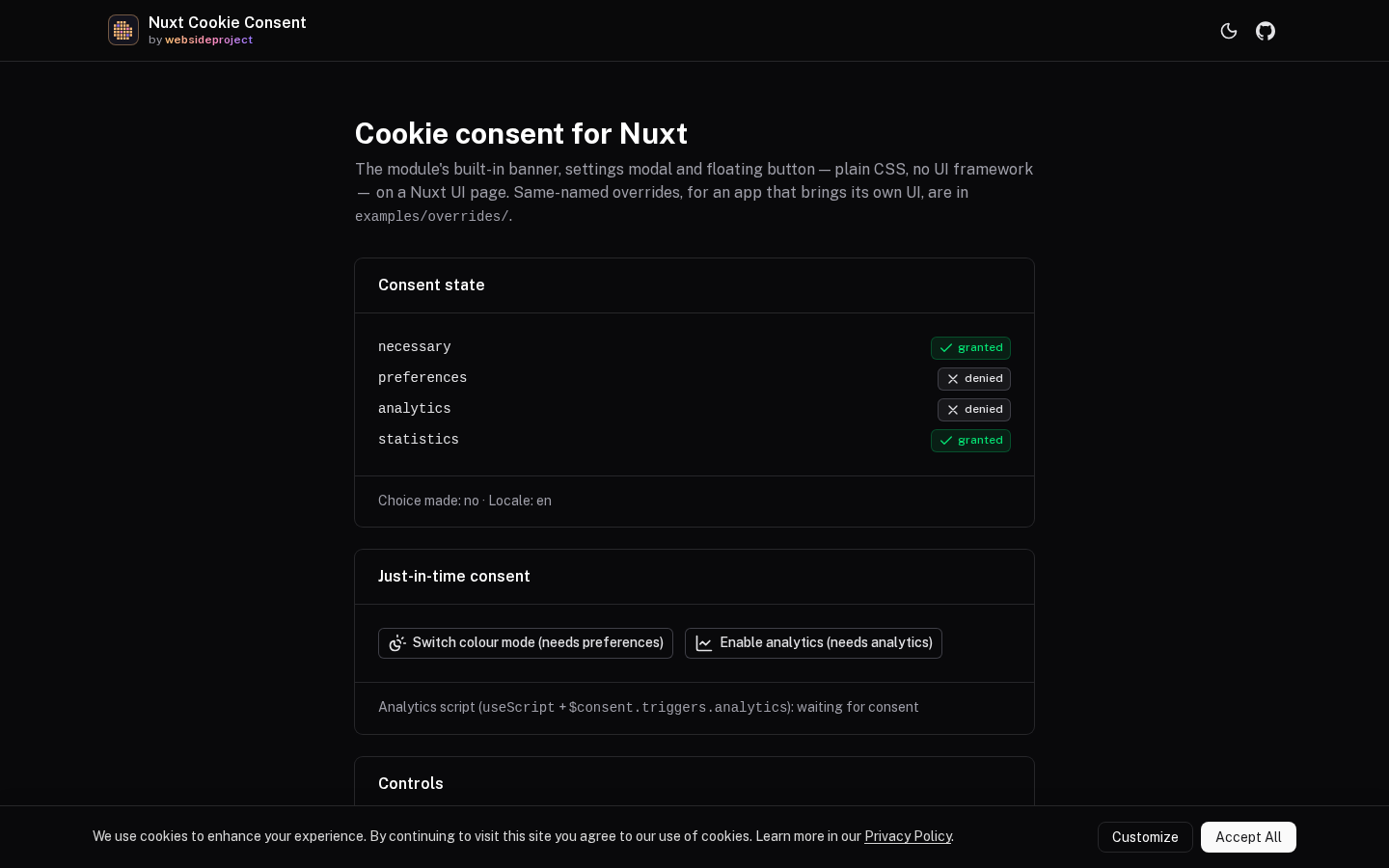
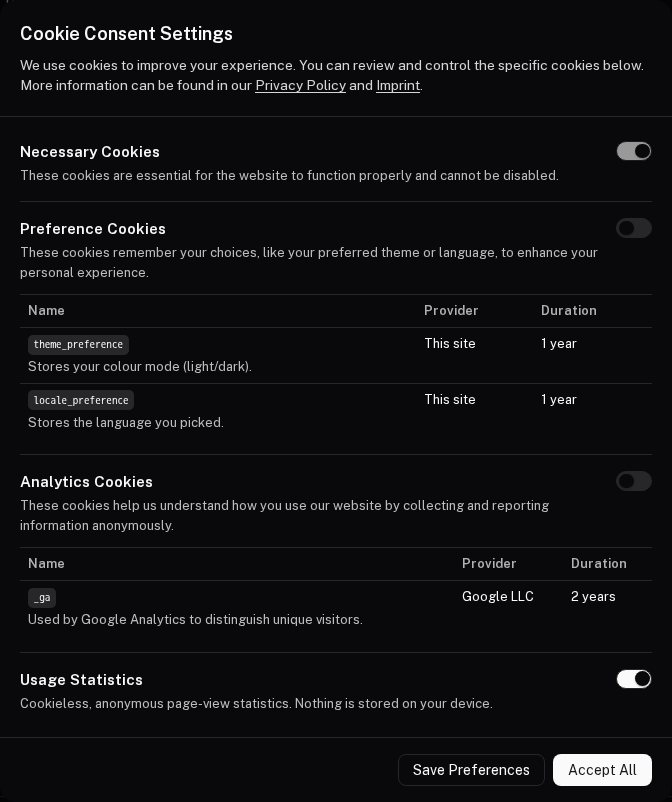
The module ships three globally-registered components:
| Component | Role |
|---|---|
CookieConsentBanner | The initial bottom banner shown on first visit (when required). |
CookieConsentModal | The detailed settings dialog (desktop) / drawer (mobile). |
CookieConsentFab | A floating button to reopen settings after a choice is made. |
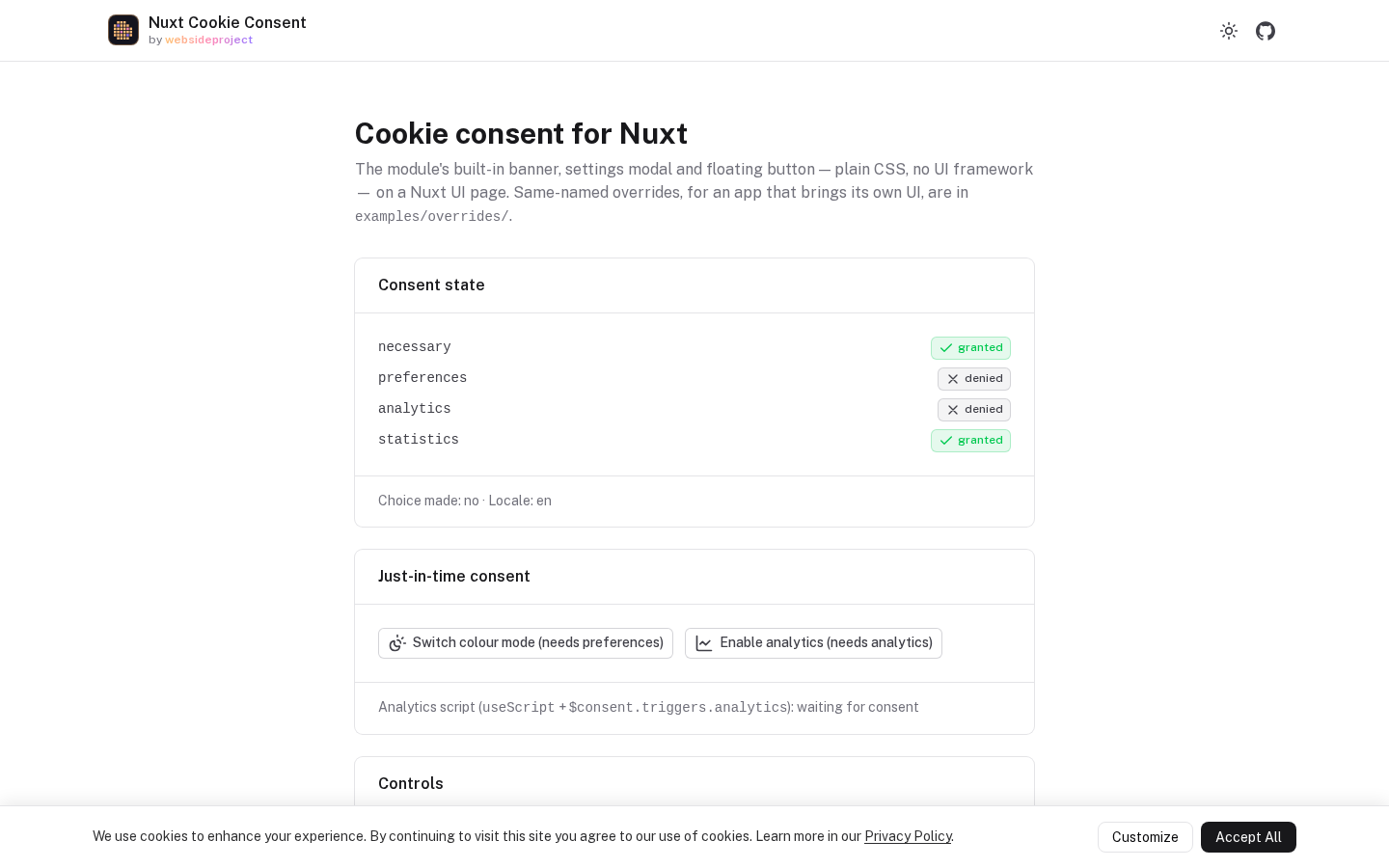
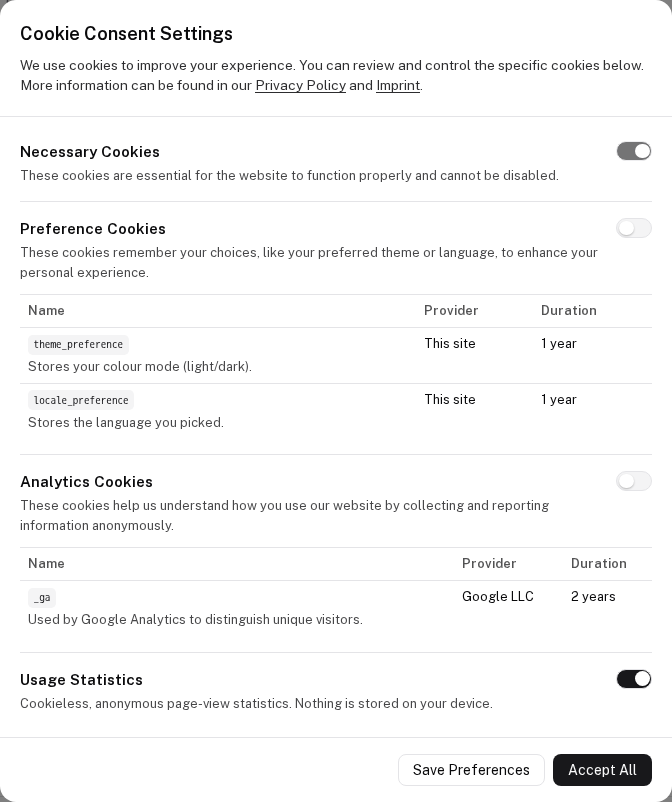
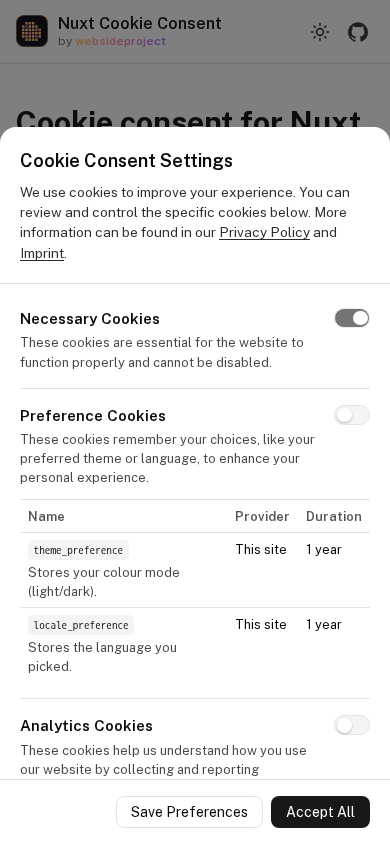
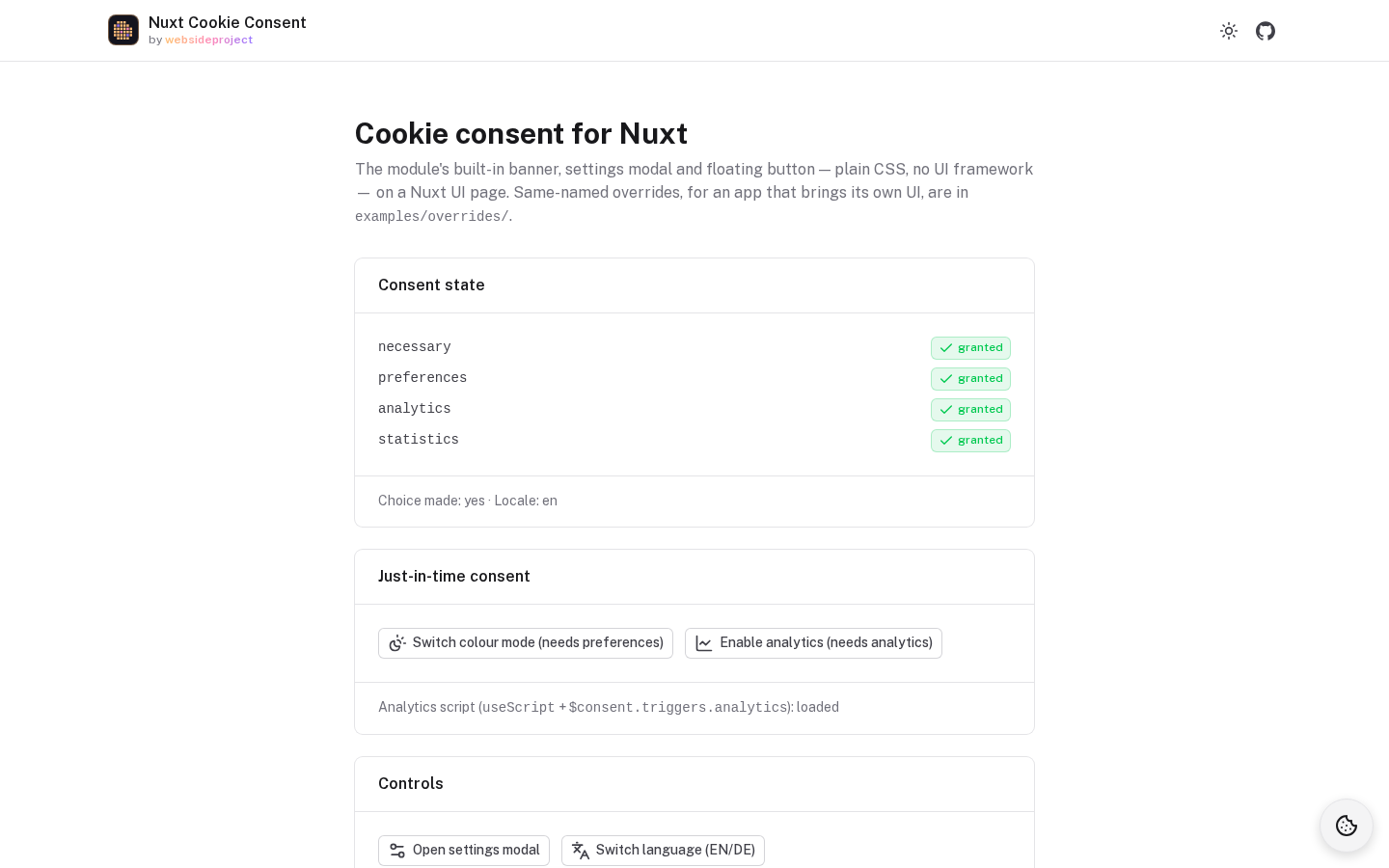
Add them once, typically in app.vue:
<template>
  <div>
    <NuxtPage />
    <CookieConsentBanner />
    <CookieConsentModal />
    <CookieConsentFab />
  </div>
</template>
Styling
The built-in components are plain CSS (scoped styles, an inline SVG icon) with no UI framework, Tailwind or icon
library behind them, so they work in any app. Their colours come from the colors
option as CSS variables, and from darkColors under a .dark ancestor — the class
Nuxt's color mode (and Nuxt UI) puts on <html>. To match your own UI kit (e.g. @nuxt/ui), override them — see
below.
Overriding
Thanks to Nuxt's component resolution, you can replace any built-in component by creating a file with the same name in your project's components/ directory:
components/
  CookieConsentBanner.vue
  CookieConsentModal.vue
  CookieConsentFab.vue
Your version takes precedence: the module registers its defaults with a negative priority. Use the component composables to keep all the consent logic while supplying your own markup:
<script setup lang="ts">
const { isVisible, acceptAll, customize } = useConsentBanner()
</script>

<template>
  <div v-if="isVisible" class="my-banner">
    <p>
      <template v-for="part in useConsentText('bannerDescription')" :key="part.content">
        <a v-if="part.type === 'link'" :href="part.href">{{ part.content }}</a>
        <span v-else>{{ part.content }}</span>
      </template>
    </p>
    <button @click="customize">{{ useConsentText('customizeBtn')[0].content }}</button>
    <button @click="acceptAll">{{ useConsentText('acceptAllBtn')[0].content }}</button>
  </div>
</template>
apps/playground/examples/overrides/ in this repository has overrides of all three — a good starting point.
Composables
useRequestConsent, useConsentCookie, useConsentText and the component composables.
Internationalization
Translating the UI, categories, cookies, and links.